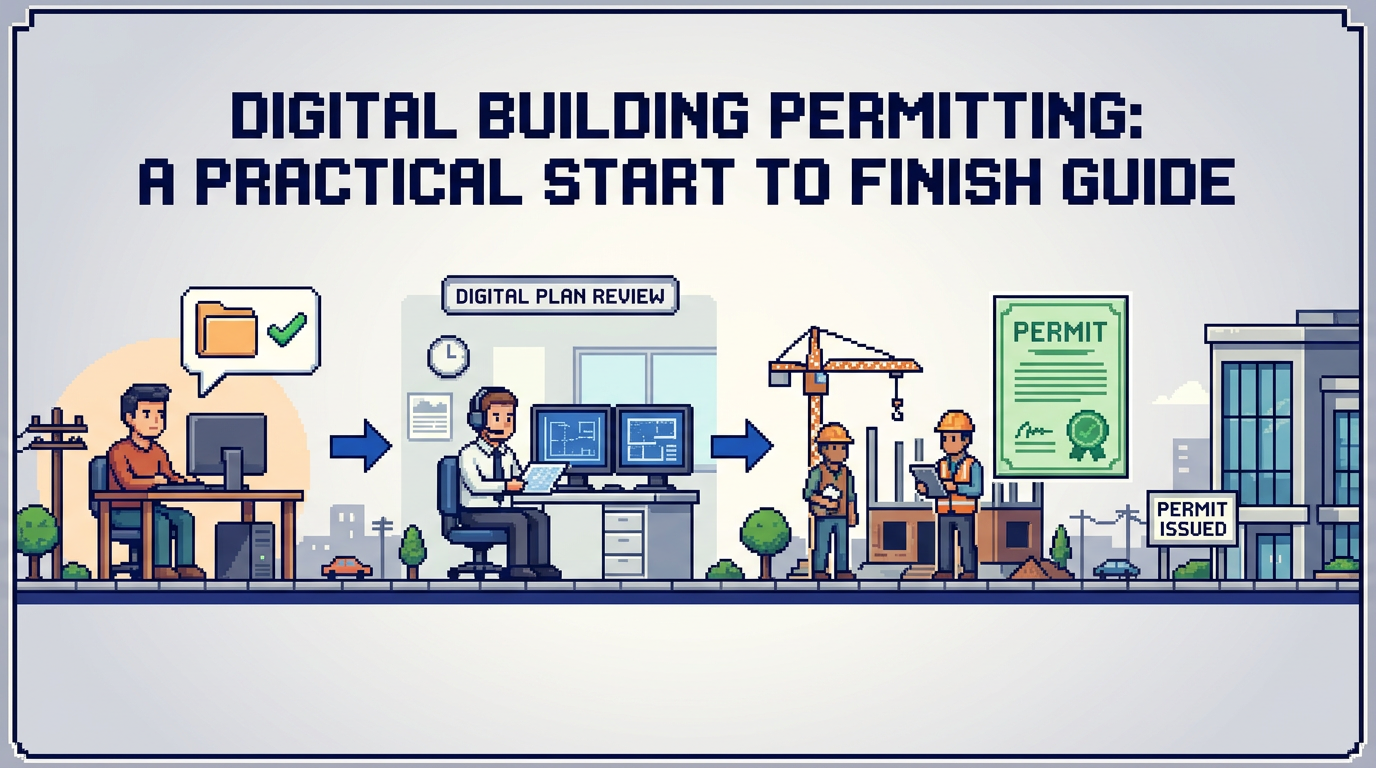
Digital building permitting is no longer a future project. Municipalities of every size are moving intake, review, and approvals online to cut backlogs and raise service quality.
This guide explains digital building permitting for municipal planning, building, and zoning teams. It covers end to end workflows, AI assisted checks, auto approval design, payments, auditability, and security. The key takeaway: start with clear rules, digitize core steps, and use AI permitting software to speed low risk reviews without sacrificing accountability.
What is digital building permitting?
Digital building permitting is the online management of permit intake, review, fee collection, approvals, and records retention. It replaces paper forms and email threads with structured applications, role based workflows, and automated checks.
Why municipalities are moving now
- Persistent backlogs and service level expectations from residents and builders
- Remote and hybrid work that requires shared digital files and audit trails
- Mature software for document intake, payments, and compliance checks
Core outcomes you should expect
- Faster first pass reviews through better submission quality
- Shorter cycle time for low risk permits with rule based decisions
- Greater transparency for applicants and councils via status and audit logs
Digital building permitting workflow from intake to approval
A clear, shared workflow is the backbone of every successful implementation.
1. Application intake
Applicants submit scope, site address, and contact details through a web form. They upload plans, drawings, and certificates in PDF, DWG, or image formats. Required fields and document checklists reduce incomplete submissions.
2. Document analysis and completeness check
The system validates file types and required documents. AI can extract key values from plan sets such as setbacks, lot coverage, and height to flag obvious issues early.
3. Triage and departmental routing
Based on application type and location, requests are auto assigned to Planning, Building, Fire, or Engineering. Service targets and queues are visible, so nothing stalls in a shared inbox.
4. Technical review and comments
Reviewers see side by side plans, extracted metrics, and by law references. They add comments, request revisions, and log decisions. Applicants receive email notices and can respond by uploading revised files.
5. Fee calculation and payments
Once conditions are met, fees are calculated and invoices issued. Applicants pay online and receive receipts. Payments appear on a finance dashboard with paid and pending states.
6. Approval, permit issuance, and inspections
Approved permits are generated with conditions and expiry dates. Inspection scheduling and outcomes tie back to the same record, keeping a single source of truth.
Choosing AI permitting software for municipalities
Selecting the right platform is about fit to your by laws, volume, and security posture.
Must have capabilities
- AI based permit document analysis that extracts measurable values
- Smart auto triage and configurable auto approval rules
- Integrated payments with receipts and exportable reports
- Comprehensive audit trail and role based permissions
- Canada Central data residency and AES 256 encryption when required
Nice to have features
- Drag and drop uploads up to common file sizes like 50 MB per file
- Real time email notifications for submissions, comments, and inspections
- Live status tracking across Submitted, Review, and Approved
How AI improves zoning and by law compliance checks
AI does not replace professional judgment. It speeds routine verification so reviewers can focus on edge cases and interpretation.
From plans to measurable data
Modern models read PDFs and DWGs to pull dimensions and labels into structured fields. For example, a site plan might yield front setback 6.2 m pass, lot coverage 32 percent pass, and a height warning at 9.1 m vs a 9.5 m limit.
Early flags reduce rework
When the system highlights likely non compliance during intake, applicants can fix drawings before formal review. That shortens queues and reduces back and forth communications.
Designing rule based auto approval with safeguards
Auto approval permitting is most effective on low risk and repetitive cases such as standard decks, sheds, or simple interior alterations.
Define the eligible scope
- Clear permit types with low variance
- Measurable conditions like maximum height or coverage
- Locations without overlays that need discretion
Build layered protections
- Require complete document sets and validated fields
- Log every rule evaluation to the audit trail
- Route any warning or uncertainty to human review
Integrating payments and change management
Payments and revisions create friction when handled by separate systems. Keeping them in one permit record simplifies work for applicants and finance teams.
Payments in the same workflow
- Calculate fees based on type, area, or rate tables
- Accept credit or debit payments with receipts
- Track revenue, paid, and pending amounts in dashboards
Managing revisions without chaos
- Applicants submit change requests tied to specific documents
- Reviewers compare file versions and re run checks
- All decisions and timestamps are captured in the activity log
Building transparency with audit trails and permissions
Municipal accountability relies on traceability across the full lifecycle.
What to log
- Status changes, assignments, and approvals
- Document uploads, validations, and version history
- Applicant messages and staff comments
Who can do what
- Granular roles for viewing, editing, and approving
- Separation of duties for finance and technical review
- Readable audit exports to support FOI requests and council reports
Security and Canadian data residency requirements
Protecting resident data and aligning with procurement policies is essential, especially for Canadian municipalities.
Baseline technical controls
- AES 256 encryption at rest and TLS in transit
- Regular backups and access logging
- Principle of least privilege across roles and services
Residency and regulatory alignment
- Canada Central data residency for application data and files
- Vendor attestation and documentation for security controls
- Contractual terms for breach notification and support SLAs
Example digital permitting workflow in action
Below is a sample path that shows how the pieces fit together.
Deck permit, low risk, auto approve
- Applicant uploads site plan PDF and elevation DWG
- AI extracts setbacks, coverage, and height, all within limits
- System flags the application as low risk and issues instant approval
Small variance with manual review
- Applicant triggers a minor variance due to height close to the limit
- AI warns at 9.1 m against a 9.5 m cap, routing to Planning
- Reviewer confirms conditions, collects fees, and approves with notes
Comparing common platform capabilities
Use this high level matrix to assess fit across vendors.
| Capability | AI document analysis | Auto triage | Auto approval rules | Payments | Audit trail | Data residency |
|---|---|---|---|---|---|---|
| Fit for low risk permits | High | High | High | Medium | High | High |
| Reviewer efficiency impact | High | Medium | High | Medium | Medium | Indirect |
| Procurement relevance | Medium | Medium | Medium | High | High | High |
Implementation roadmap for municipal teams
A phased plan reduces risk while showing fast wins to residents and council.
Phase 1: Intake and transparency
- Launch online applications and document uploads
- Add status tracking for Submitted, Review, and Approved
- Start email notifications for key milestones
Phase 2: AI assisted checks
- Turn on document analysis for common permit types
- Pilot zoning and by law extraction on decks and additions
- Use findings to improve your checklists and guidance
Phase 3: Payments and auto approval
- Integrate fee calculation and online payments
- Configure rules for clearly defined low risk permits
- Monitor audit logs and KPIs, then expand scope
Measuring success and reporting
Track outcomes that matter to staff, applicants, and leadership.
Operational metrics
- Median days from submission to decision by permit type
- First time completeness rate and number of resubmissions
- Queue time by department after triage
Accountability and service
- Percent of low risk permits auto approved on first pass
- Volume of applicant status checks replaced by self serve
- Audit log completeness for FOI and internal reviews
Where PermiPro fits for Canadian municipalities
PermiPro is an AI permitting software platform built for municipal planning, building, and zoning teams that need speed and accountability.
Capabilities at a glance
- AI powered document analysis that extracts setbacks, lot coverage, and height
- Smart auto triaging and configurable auto approval for low risk work
- Integrated payments, change requests, and real time notifications
Governance and security
- Complete audit trail and role based permissions
- AES 256 encryption at rest with Canada Central data residency
- Exportable reports for finance and council updates
Key Takeaways
- Start with clear workflows, digitize intake and status, then add AI checks.
- Use rule based auto approval on low risk permits with strong safeguards.
- Keep payments, revisions, and communications in the same permit record.
- Require full audit trails, role based permissions, and residency controls.
- Measure cycle time, first time completeness, and auto approval rates.
Modern digital building permitting is practical and attainable. With the right software and a phased plan, your team can speed decisions while strengthening public trust.