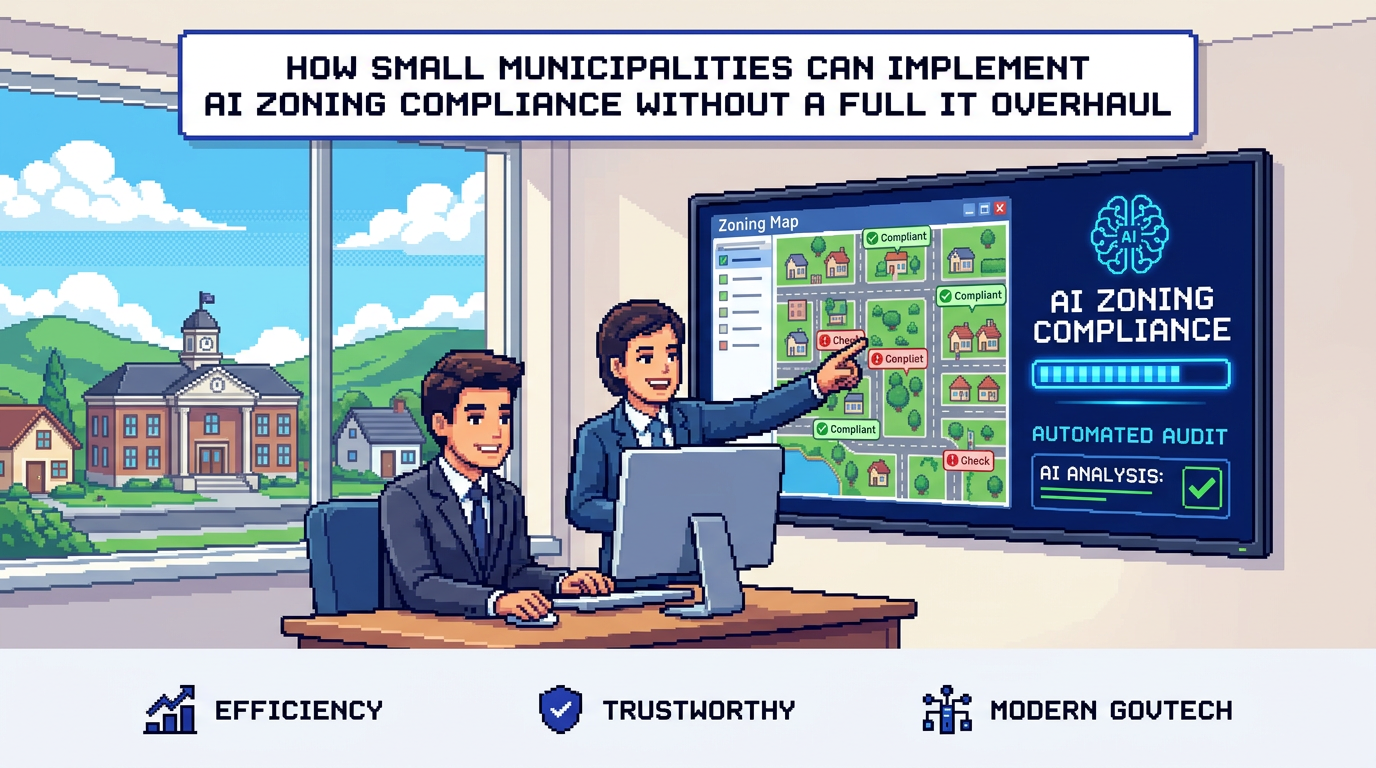
Small municipal teams are under pressure to speed up permits without sacrificing compliance. The right AI zoning compliance approach can help you flag setbacks, lot coverage, and height issues in minutes, not weeks.
This guide shows permitting leaders and planners how to introduce AI zoning compliance step by step, without replacing your entire system. You will learn pilot-ready use cases, governance and safeguards, data residency considerations, and a realistic 90 day rollout plan. The key takeaway: start with low risk permits, pair AI checks with clear rules and audit trails, and measure turnaround and accuracy from day one.
What AI zoning compliance actually does
AI zoning compliance uses document analysis to extract measurable attributes from plans and forms, then checks them against municipal by laws and zoning rules configured in your system.
Typical inputs and outputs
- Inputs: PDFs, DWGs, and images for site plans, elevations, application forms, and surveys.
- Outputs: extracted dimensions and labels, rule pass fail results for setbacks, lot coverage, and height, and warnings for near limit conditions.
Where it fits in the permitting workflow
- At intake to auto triage applications to the right department.
- During review to pre screen for low risk auto approval under defined rules.
- Before issuance to confirm final compliance and log results.
Choosing a primary use case to pilot
Start where rules are objective and documents are standardized. This limits edge cases and keeps change management small.
Low risk residential structures
- Decks, sheds, and simple additions often follow repetitive rules for setbacks and height.
- A pilot can auto extract front setback, lot coverage percentage, and height, then apply pass fail checks.
Accessory dwelling units and minor variances
- ADUs and minor variances can benefit from automated pre checks that confirm what passes and what requires a hearing.
- AI can flag only the conditions that trigger a manual review path.
Governance and safeguards for auto approval permitting
Rule based auto approval should be narrow, explainable, and reversible. Build controls that keep reviewers in charge.
Define clear eligibility rules
- Scope: permit types, zoning districts, and property classes in scope for auto approval.
- Thresholds: numeric limits like max height or lot coverage, and exact setback distances by frontage.
- Exclusions: heritage properties, floodplains, and overlays that always require manual review.
Human in the loop and auditability
- Require reviewer sign off for the first phase of the pilot, even when rules pass.
- Log every extraction value, rule evaluated, and pass fail outcome in an audit trail that is visible to staff.
- Provide a one click revert that moves an application from auto approved to manual review with a reason code.
Data residency and security considerations
Municipal permitting data contains sensitive personal and site information. Select solutions that meet your jurisdictional requirements.
Residency and encryption
- Keep data in Canada Central if your policy requires Canadian residency.
- Use AES 256 encryption at rest and TLS in transit for uploaded plans and application data.
Roles, permissions, and notifications
- Enforce role based access so only assigned staff can view or approve permits.
- Enable real time email notifications for status changes, payments, and inspection scheduling to maintain transparency.
A practical 90 day rollout plan
You can introduce AI zoning compliance incrementally. The timeline below focuses on proofs, controls, and measurable gains.
Days 1 to 30: prepare and configure
- Select one low risk permit type and two zoning districts.
- Configure 5 to 10 objective checks, such as front setback minimums and maximum height.
- Import a small library of sample plans and historic approvals for validation.
- Define success metrics: median review time, first time completeness, and number of re submissions.
Days 31 to 60: pilot with staff review
- Turn on AI extraction and rule checks for internal staff only.
- Require planner acknowledgment for all approvals and rejections.
- Compare AI outputs to manual calculations on 20 to 50 applications.
- Hold weekly calibration sessions to adjust thresholds and rule text.
Days 61 to 90: limited auto approval
- Enable auto approval for applications that pass all checks and have no exclusions.
- Keep human in the loop for edge warnings, such as height within 5 percent of the limit.
- Publish a change log, update applicant guidance, and begin reporting on metrics.
Measuring impact with evidence led metrics
Track results transparently so Council, applicants, and staff can see benefits without hype.
Core metrics to monitor
- Median days from submission to decision for in scope permits.
- First time completeness rate at intake.
- Percentage of applications that require re submission.
- Number of auto approved permits and any reversals, with reasons.
Quality and compliance checks
- Random audit of 10 percent of auto approved files each month.
- Trend review of warnings and near limit flags to refine policy.
- Compare complaint or appeal rates before and after the pilot window.
Integrating payments and change requests
Keeping payments and revisions in the same workflow reduces handoffs and confusion for applicants.
Payments and receipts
- Accept permit fees within the permitting portal so status and payments stay in sync.
- Provide receipts and a payments dashboard that shows paid and pending amounts by permit.
Managing applicant revisions
- Let applicants upload revised plans by drag and drop for PDF, DWG, or JPG up to typical file size limits.
- Trigger re checks automatically on new uploads and log all versions in the audit timeline.
How AI permitting software fits with existing systems
You do not need to replace your entire stack. Look for modular deployment paths that connect to your current processes.
Intake and routing alongside legacy portals
- Keep your public portal as is while using AI to triage submissions by department and risk level.
- Send status updates back to the legacy portal via notifications or simple data exports.
Document analysis as a sidecar service
- Use AI to extract values from plans and pass results to staff for verification within your current review tool.
- Store extracted data and decisions in a central audit trail to maintain accountability.
Comparing deployment approaches
Here is a quick comparison of common approaches for small municipalities.
| Approach | What it looks like | Pros | Cons | Best for |
|---|---|---|---|---|
| Sidecar analysis | AI extracts data from plans and posts results to staff | Lowest risk, quick to pilot | Another screen for staff | First 90 days |
| Intake triage | AI checks at submission, routes by risk and type | Cuts backlog, clearer SLAs | Requires rule tuning | Small teams with queues |
| Limited auto approval | Auto issues low risk permits by rule | Fast decisions, strong ROI | Needs strict safeguards | Decks, sheds, solar |
Realistic examples of rule checks
Concrete examples help staff validate how the system should behave.
Setback and lot coverage
- Front setback minimum 6.0 m: extracted 6.2 m returns Pass.
- Lot coverage max 35 percent: extracted 32 percent returns Pass.
Height and near limit warnings
- Height max 9.5 m: extracted 9.1 m returns Pass with a warning if within 5 percent of the limit.
- Any value above the limit routes to manual review with a reason code.
Procurement and vendor due diligence
Choose partners with demonstrated municipal experience and clear safeguards rather than generic AI tools.
Questions to ask vendors
- Can you show extraction accuracy on our sample plans and by law text? How is it measured?
- What controls limit auto approval scope and allow instant rollback?
- Where is data stored and how is it encrypted at rest and in transit?
What to verify in a pilot
- Staff can reproduce every decision from the audit trail.
- Role based permissions prevent unauthorized approvals.
- Email notifications and applicant status are accurate and timely.
Where PermiPro fits
PermiPro is an AI first municipal permit management software platform used to speed reviews and improve accountability.
Capabilities aligned to this guide
- AI document analysis extracts setbacks, lot coverage, and height from PDFs, DWGs, and images up to 50 MB.
- Smart auto triage and rule based auto approval narrow to low risk permits with clear eligibility.
- Integrated payments, applicant change requests, and live status tracking reduce handoffs.
Compliance and trust features
- Comprehensive audit trail logs status changes, document validations, and notes with timestamps.
- Granular role based permissions and real time notifications keep staff and applicants aligned.
- AES 256 at rest and Canada Central data residency support municipal security requirements.
Key Takeaways
- Start with a narrow pilot for low risk permits and objective checks.
- Pair AI zoning compliance with strict rules, audit trails, and human review early on.
- Track turnaround time, completeness, and re submission rates from day one.
- Keep payments and revisions in the same workflow to reduce handoffs.
- Expand scope only after quality audits confirm accuracy and public trust.
A careful, staged rollout delivers faster decisions and stronger compliance without a costly IT overhaul.