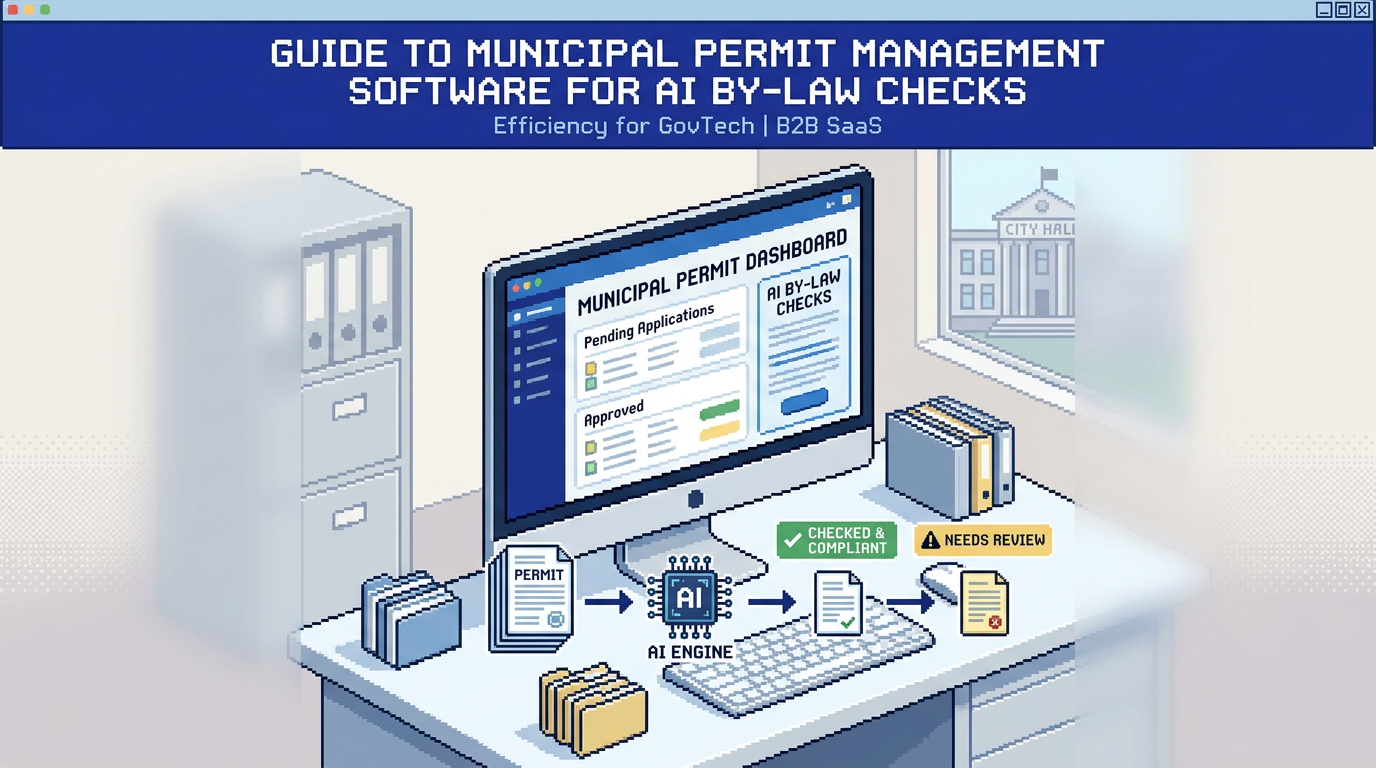
Municipal permitting has a speed and consistency problem, especially when staff must trace requirements across drawings, PDFs, and emails. AI can relieve that pressure by surfacing compliance risks early and routing low risk applications faster.
This guide explains how municipal permit management software with AI by-law and zoning checks works, who benefits, and how to implement it without sacrificing accountability. It is written for planning, building, and zoning teams, as well as CIOs and operations leads. The key takeaway is that AI supported intake, rule based auto approval, integrated payments, and complete audit trails can reduce backlogs while improving compliance confidence.
What is municipal permit management software
Municipal permit management software is a digital system that handles intake, review, approvals, payments, and communication for planning and building permits. Modern platforms add AI to read plans, flag zoning issues, and route applications.
Core components
- Intake portals for applicants to submit applications, fees, and documents
- Review workflows that assign tasks to planning, building, fire, and engineering
- Communication tools for change requests, notifications, and status updates
- Records and audit trails for compliance with municipal and provincial policies
Where AI fits
- Document analysis to extract setbacks, lot coverage, and height from PDFs and DWGs
- Auto triage that classifies risk and routes to the right department
- Rule based auto approval for narrowly scoped, low risk permits
- Validation checks that warn reviewers when a proposal is near a limit
How AI by law and zoning checks work
AI by law checks evaluate submittals against structured rules. They do not replace policy judgment. Instead, they convert drawings and narrative into measurable values for faster, more consistent screening.
From plan sets to structured data
- Optical and vector parsing reads PDFs, DWGs, and images to identify parcels, dimensions, and annotations
- Named fields such as front setback, side yard, lot coverage, and height are extracted
- Each value is paired with source evidence so reviewers can verify the origin
Rules and thresholds
- Jurisdiction rules are configured as if then statements, with explicit pass, warning, or fail outcomes
- Warnings trigger when a value is close to a limit, prompting human review
- Fails block auto approval and route to the appropriate reviewer
Example: detached deck permit
- Setback front: 6.2 m vs required 6.0 m, result Pass
- Lot coverage: 32 percent vs max 35 percent, result Pass
- Height: 9.1 m vs max 9.5 m, result Warning due to proximity
Evidence and transparency
- Each check links to a page and coordinate on the plan
- Reviewers can override with a reason that appears in the audit log
- Applicants see clear, plain language feedback for revisions
Designing safe auto approval
Auto approval should be conservative, explainable, and opt in by rule. The goal is to remove repetitive steps for predictable permits while preserving discretion where needed.
Eligibility criteria
- Permit type is limited to scoped categories such as fences, sheds, decks, and simple HVAC
- All AI checks must be Pass or within a predefined tolerance that still requires human sign off
- No conflicts with overlays, heritage districts, or special use cases
Human in the loop
- Reviewers can set thresholds for auto approve, auto warn, and auto block
- Overrides require a reason code to maintain accountability
- Dashboards show which permits were auto approved and why
Safeguards and auditability
- Every decision path is recorded with timestamp, rule version, and user
- Changes to rule logic require approval and generate a changelog entry
- A rollback option restores prior rule sets if unintended outcomes appear
Building a practical workflow from intake to issuance
A successful rollout starts with standardizing intake data and ends with consistent issuance and payment collection.
Intake and completeness checks
- Applicants upload required files via drag and drop support for PDF, DWG, and JPG up to 50 MB
- The system runs a first pass completeness check before staff review
- Missing documents trigger an automated request with a checklist link
Smart routing and departmental assignment
- AI classification tags the application as low, medium, or high risk
- Work queues assign zoning checks to planning and structural items to building
- Live status shows Submitted, Review, and Approved with timestamps
Integrated payments and receipts
- Applicants can pay fees directly within the portal
- Staff view paid and pending amounts and resend receipts when needed
- Refunds and change fees are tied to the application record
Managing change requests and revisions
- Applicants submit revised plans with notes referencing requested changes
- The system compares versions and re runs affected checks only
- Notifications alert staff and applicants when re review is complete
Compliance, records, and accountability
Municipal systems must be auditable and secure. AI does not bypass policy; it documents how policy is applied.
Full activity timeline
- Logs include status changes, document validations, reviewer comments, and applicant notes
- Each AI check records inputs, outputs, and rule identifiers
- Exports support freedom of information requests and internal audits
Role based permissions
- Granular roles control who can view, edit, approve, or delete
- Sensitive actions require elevated permission and appear in the audit
- Temporary reviewer access can be granted per application or department
Data residency and encryption
- AES 256 encryption at rest protects documents and data
- Hosting in Canada Central helps meet Canadian data residency expectations
- Regular security reviews and monitoring reduce operational risk
Evaluating platforms and vendors
When comparing digital building permitting tools, focus on outcomes, clarity of rules, and traceability of AI decisions.
Key evaluation criteria
- Accuracy and explainability of AI zoning compliance checks
- Ease of configuring rules without code and version control of changes
- Integrated payments, change management, and applicant communication
- Breadth of audit features and export options
- Security posture with clear data residency documentation
Proof points to request
- A sandbox with sample plan sets to validate extraction results
- Example audit logs showing rule evaluations and overrides
- A low risk permit scenario that demonstrates end to end auto approval
- References from municipalities with similar bylaws and staff size
Example workflow with PermiPro
Below is an illustrative end to end flow that aligns with the capabilities many municipalities seek.
Intake and AI checks
- Applicant uploads Site_Plan_Final.pdf and Elevation_North.dwg
- AI extracts front setback 6.2 m, lot coverage 32 percent, and height 9.1 m
- Results: Pass, Pass, and Warning due to proximity to 9.5 m limit
Smart triage and assignment
- Application flagged Low Risk and routed to Planning for zoning confirmation
- Status shows Submitted, Review, Approved with timestamps
- Reviewer sees evidence links to plan coordinates for quick verification
Payments and receipts
- Fees calculated, applicant pays online, receipt sent automatically
- Payments dashboard shows revenue, paid, and pending totals
- Refunds or adjustments are logged with reason codes
Audit and notifications
- Activity log records auto validations, reviewer approvals, and applicant notes
- Real time email notifications keep all parties informed
- Final issuance includes a summary of rule checks and decisions
Comparison of common permitting platform approaches
Here is a concise comparison to help teams frame tradeoffs.
| Approach | Strengths | Limitations | Best fit |
|---|---|---|---|
| Rules only workflow tools | Stable, predictable, easier to govern | Manual data entry, slower reviews | Small volume, simple bylaws |
| AI assisted rules with auto triage | Faster screening, better completeness | Requires training and governance | Mid size cities, mixed complexity |
| Fully custom built systems | Tailored to legacy processes | High cost and maintenance | Unique edge cases with budget |
Implementation roadmap for municipal teams
A phased approach reduces risk and builds staff confidence.
Phase 1: Foundations
- Standardize intake forms and document checklists
- Configure baseline zoning and by law rules in a test environment
- Import a small set of historical permits for validation
Phase 2: Pilot with low risk permits
- Start with decks, fences, and sheds
- Measure time to first decision, resubmission rates, and staff touches per application
- Collect reviewer feedback and refine rule tolerances
Phase 3: Expand coverage
- Add more permit types and departments
- Introduce limited auto approval with clear safeguards
- Publish a public playbook that documents decision logic
Phase 4: Continuous improvement
- Establish quarterly rule reviews with cross departmental input
- Track variance requests and override reasons to improve rules
- Refresh training materials and maintainer roles
Governance and public trust
Clarity, participation, and documentation sustain trust when AI supports permitting.
Policy alignment
- Map every AI check to the specific by law or code section
- Display plain language explanations to applicants
- Maintain a catalog of rule changes with effective dates
Stakeholder engagement
- Brief council and leadership on scope, safeguards, and metrics
- Offer office hours for contractors and homeowners during rollout
- Provide a clear process for disputes and manual reconsideration
Frequently asked comparisons
This brief table positions typical vendor categories by strengths and fit. Always validate claims in a sandbox.
| Vendor type | Strengths | Notable fit |
|---|---|---|
| Established suites | Broad modules, integrations | Large cities needing many workflows |
| AI first platforms | Fast compliance checks, audit trails | Cities seeking shorter review cycles |
| Point tools | Niche features, low cost | Specific gaps like payments only |
Key metrics to monitor
You cannot improve what you cannot measure. Track these signals before and after rollout.
Efficiency metrics
- Time from submission to first review
- Staff touches per application
- Percentage of low risk permits auto triaged within SLA
Quality and compliance
- Resubmission rates due to missing or incorrect documents
- Override frequency and reasons
- Share of decisions with complete evidence links
Customer experience
- Applicant satisfaction comments and ticket volume
- Share of payments completed online on first request
- Adoption of the portal vs email submissions
How PermiPro supports these outcomes
PermiPro focuses on AI assisted compliance checks with clear auditability and Canada centric security.
Features aligned to municipal needs
- AI powered document analysis for setbacks, lot coverage, and height
- Smart auto triage and configurable rule based auto approval
- Integrated payments and applicant change requests in one system
- Comprehensive audit trail with activity timeline and role based permissions
- AES 256 encryption at rest and Canada Central data residency
Outcomes municipal teams can expect
- Shorter review cycles for low risk permits
- Higher first time completeness with fewer resubmissions
- Better transparency across departments and to applicants
- Stronger accountability with exportable audit logs
Key Takeaways
- AI assisted municipal permit management software can speed reviews while documenting every decision
- Start with low risk permits, conservative rules, and clear evidence links
- Integrate payments and change requests to reduce handoffs
- Govern rules with version control, audits, and regular reviews
Effective permitting is about speed with certainty. With the right safeguards, AI turns scattered documents into consistent, defensible decisions.