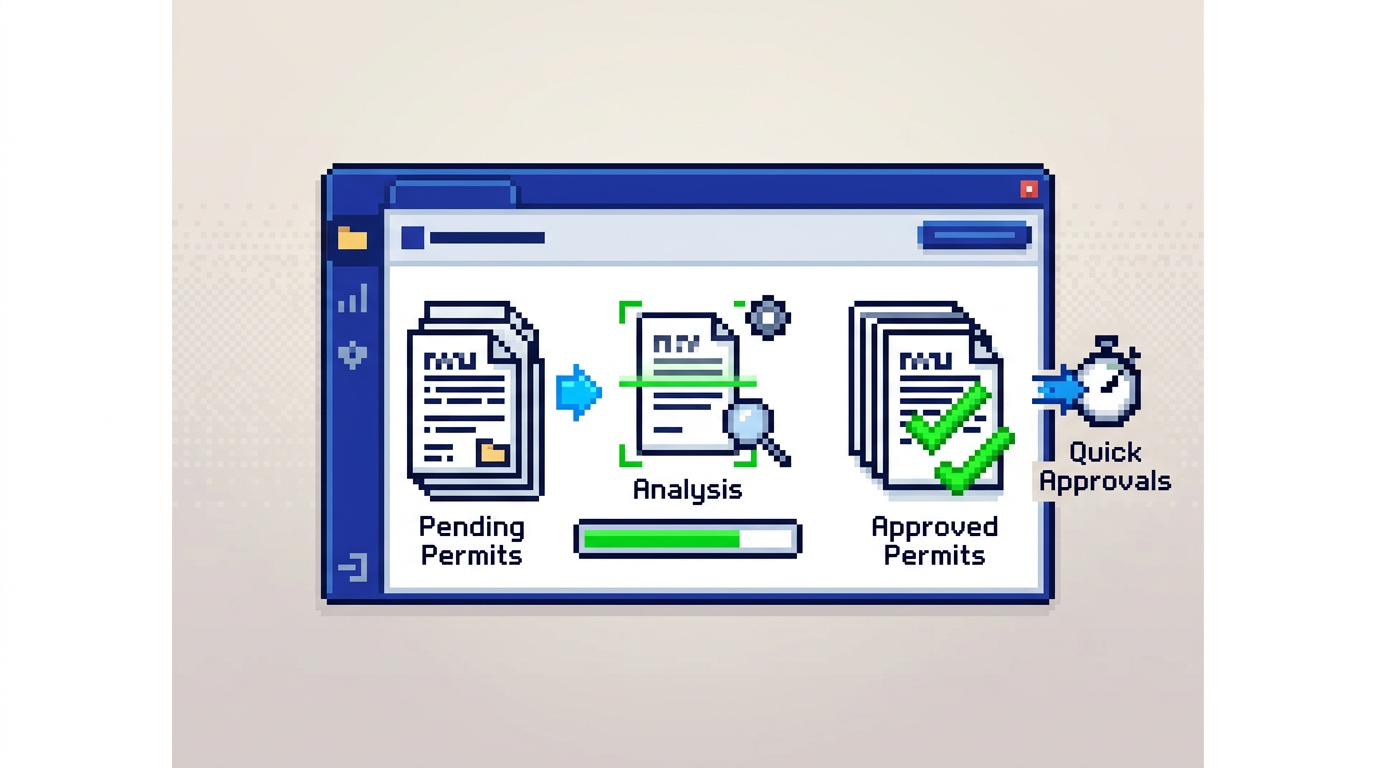
Municipal permit backlogs are not inevitable. With the right workflow and tools, reviewers can spot issues early, route low risk files faster, and give applicants clear guidance without sacrificing compliance.
This guide explains how to run permit document analysis that speeds reviews while improving accuracy. It is written for planning, building, and zoning teams, as well as municipal IT leaders evaluating AI permitting software. The key takeaway: pair a clear intake checklist with AI powered extraction and rule based checks to move low risk permits to quick approval while keeping full auditability.
What permit document analysis covers and why it matters
Effective permit document analysis validates that submissions are complete and meet by law, zoning, and building requirements before deeper review begins. Done well, it reduces rework and shortens cycle times.
Core goals of analysis
- Confirm required documents are present and legible
- Extract key measurements from plans and forms
- Compare extracted data to by law and zoning rules
- Flag gaps, conflicts, or risks for targeted follow up
Typical document types to assess
- Site plans, elevations, and floor plans (PDF, DWG, JPG)
- Application forms and declarations
- Surveys, grading, and drainage reports
- Proof of insurance, fee receipts, and affidavits
Outcomes municipalities should expect
- Higher first time completeness at intake
- Faster routing to the correct department
- Fewer manual checks on low risk applications
- Clearer communication back to applicants
Building a repeatable intake checklist
A consistent checklist prevents avoidable delays. Standardize it across permit types, then tailor per use case.
Define required documents per permit type
- For decks: site plan with dimensions, elevation, footing details
- For accessory structures: lot coverage calculations, setbacks, height
- For interior renovations: floor plan, structural notes if applicable
Set naming and format conventions
- Accept common file types like PDF, DWG, and JPG up to a defined size limit
- Require clear filenames with permit number, sheet type, and revision
- Ask for scale and north arrow on plans to support measurement checks
Capture structured data at submission
- Lot size, frontage, and coverage percentages
- Proposed height, setbacks, and floor area
- Zoning designation and applicable overlays
Using AI for permit document analysis
AI can extract measurements and compare them to local rules. The goal is not to replace reviewers but to focus their time.
What AI can reliably extract today
- Setbacks from labeled site plans
- Lot coverage as a computed percentage using parcel and building area
- Proposed height from elevations with scales
- Presence of required documents and missing pages
Rule based checks and auto approvals
- Encode thresholds for low risk permits that qualify for automated approval
- Apply zoning and by law limits such as minimum setbacks and maximum height
- Warn on edge cases, like 9.1 m proposed height when 9.5 m is the limit
Safeguards for accuracy and accountability
- Require human review when AI confidence falls below a threshold
- Log every extraction, rule evaluation, and override in an audit trail
- Use granular permissions to control who can approve or modify results
Workflow design for faster routing and reviews
Pair AI extraction with smart triage to get the right file to the right reviewer quickly.
Intake to department assignment
- Route zoning checks to Planning when setbacks or coverage fail or are unclear
- Send structural questions to Building only when flagged by rules
- Keep simple, compliant decks and sheds in an express track
Managing revisions and change requests
- Provide applicants with a clear list of issues and examples
- Allow self serve re uploads tied to specific checklist items
- Track version history and highlight what changed since the last review
Integrated payments and status updates
- Collect fees in the same system to avoid separate email threads
- Show live status such as Submitted, Review, Approved
- Send automated notifications on payments, inspections, and decisions
Practical examples of pass, warn, and fail
Concrete examples help teams calibrate rules and foster consistency.
Pass examples
- Front setback 6.2 m where 6.0 m minimum applies
- Lot coverage 32 percent under a 35 percent maximum
- Required documents present and legible
Warning examples
- Proposed height 9.1 m with a 9.5 m maximum, request confirmation of datum
- Unlabeled sheet scale on an otherwise complete elevation
- Minor text conflicts between form values and plan notes
Fail examples
- Side setback 0.6 m where 1.2 m is required
- Lot coverage exceeds maximum by calculation on site plan
- Missing site plan or illegible survey
Metrics that matter for municipal teams
Track simple measures to understand impact without complex analytics.
Intake quality and speed
- First time completeness rate
- Average time from submission to first decision
- Share of applications correctly routed at intake
Review efficiency and outcomes
- Percentage of low risk auto approvals
- Average number of revision cycles per permit
- Time saved per reviewer per week
Compliance and accountability
- Number of permits with full audit history
- Count of rule overrides with documented rationale
- Percentage of checks performed by system vs manual
Comparing approaches to permit document analysis
Municipalities typically choose between manual review, rules aided review, and AI aided review. The table below summarizes tradeoffs.
| Approach | Speed | Consistency | Auto approval fit | Staffing impact | Auditability |
|---|---|---|---|---|---|
| Manual only | Slow | Varies by reviewer | Low | High workload | Depends on process |
| Rules aided | Moderate | Higher with checklists | Medium | Moderate workload | Better if logged |
| AI aided with rules | Fast | High with structured checks | High for low risk | Frees staff for complex cases | Strong with full trail |
Implementation blueprint with AI permitting software
This section outlines a practical rollout plan that municipal IT and departmental leads can execute.
Phase 1: Preparation and policy alignment
- Select target permit types suited to auto triage, such as decks and sheds
- Map by law and zoning rules into machine readable checks
- Define approval thresholds and when human review is mandatory
Phase 2: Intake and extraction setup
- Configure document requirements and file limits
- Enable AI extraction for setbacks, coverage, and height on standard sheets
- Pilot with sample applications to validate confidence and exceptions
Phase 3: Routing, payments, and notifications
- Set routing rules by failure type and department ownership
- Integrate payments to keep receipts and status in one place
- Turn on email notifications for submissions, payments, and approvals
Phase 4: Audit trail, permissions, and training
- Ensure every action is captured in a timeline with user and timestamp
- Configure role based permissions for viewing, approving, and deleting
- Train reviewers on reading extraction results and documenting overrides
Where PermiPro fits in your digital building permitting stack
PermiPro is municipal permit management software focused on speed, accuracy, and accountability for Canadian municipalities and beyond.
Capabilities aligned to this guide
- AI document analysis that extracts setbacks, lot coverage, and height from PDFs, DWGs, and JPGs up to 50 MB
- Smart auto triaging and rule based auto approval for low risk files
- Integrated payments, applicant change requests, and live status tracking
Governance, security, and transparency
- Full audit trail including status changes, document verification, and applicant notes
- Granular role based permissions with activity logging
- AES 256 encryption at rest and Canada Central data residency
Example outcomes in practice
- A deck permit flagged Low Risk and auto approved with a complete trail
- Warnings raised where proposed height sits near the limit, prompting quick clarification
- Revenue and payment status visible without leaving the permit record
Frequently asked planning and review questions
How do we prevent AI errors from slipping through?
Set confidence thresholds, require human review for borderline results, and log every override with rationale in the audit trail. Keep complex or novel projects in manual or hybrid review tracks.
What permits are best for auto approval?
Straightforward, low risk permits with well defined checks such as small decks, sheds, or minor interior alterations. Define clear rule boundaries and exclude properties with overlays or variances.
How do we handle drawings without scales?
Treat missing scales as warnings or fails based on your policy. Request a corrected sheet or use survey dimensions to confirm critical measurements before proceeding.
Can applicants correct issues without starting over?
Yes. Use change requests linked to specific checklist items so applicants can re upload just the affected documents. Maintain version history to compare revisions.
Primary keyword focus: permit document analysis
The phrase permit document analysis reflects the core task addressed in this guide and aligns with the search intent of municipal teams seeking faster, more accurate reviews with digital building permitting tools.
Key Takeaways
- Standardize an intake checklist and capture structured data upfront
- Use AI extraction plus rule based checks to fast track low risk permits
- Keep full audit trails, permissions, and notifications for accountability
- Integrate payments and change requests to reduce handoffs
- Start with simple permit types, measure results, then expand
A disciplined approach to permit document analysis shortens queues, improves compliance, and delivers a better experience for both staff and applicants.