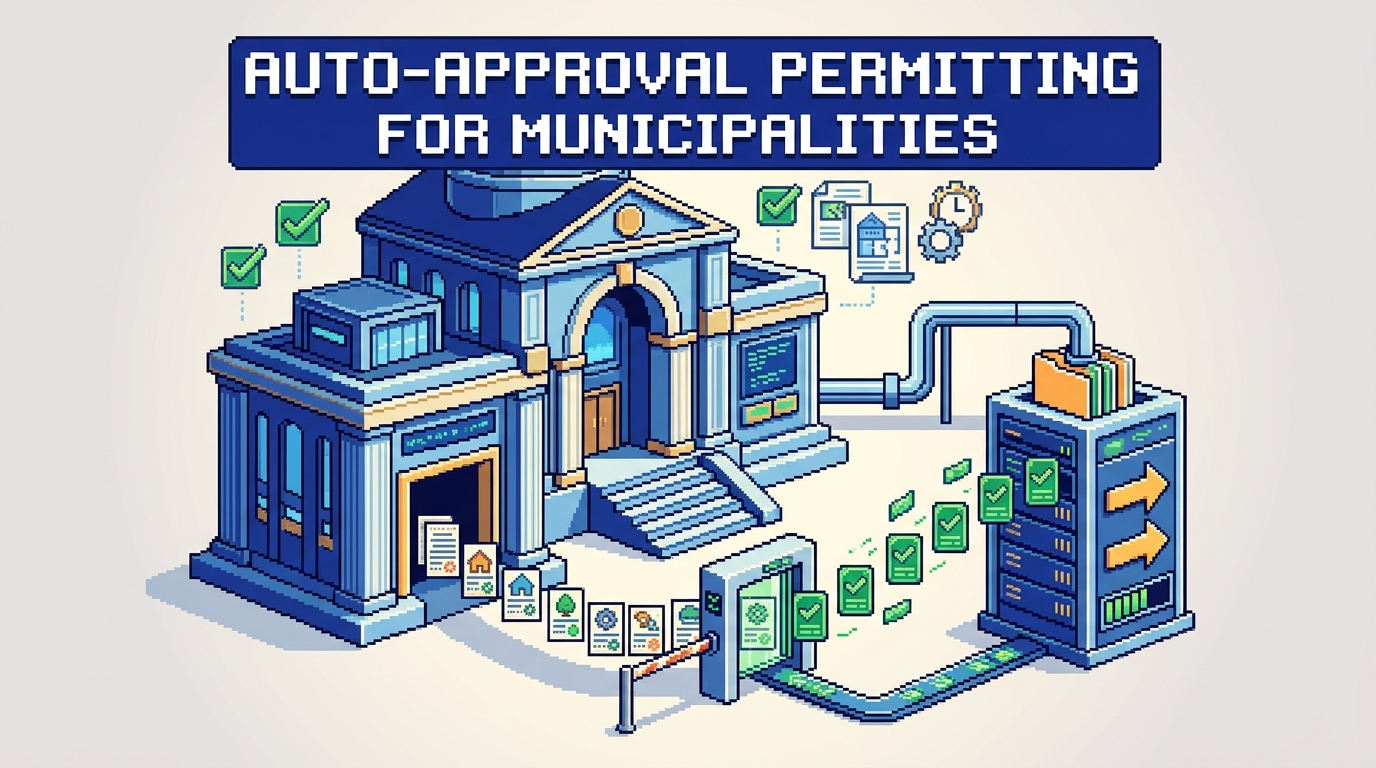
Many municipal teams can identify permits that are routine, low risk, and predictable. The challenge is moving those files through faster without compromising compliance or accountability.
This guide explains how to design and deploy auto-approval permitting in a municipal context. It is for planning, building, and zoning leaders evaluating AI permitting software and municipal permit management software. The key takeaway: start with narrow rule scopes, build in safeguards, and measure outcomes from day one.
What auto-approval permitting is and when to use it
Auto-approval permitting uses predefined rules to approve clearly qualified applications without manual review. Done properly, it reduces backlogs while maintaining compliance.
Typical permit types suited to auto-approval
- Simple residential decks and sheds within size and height limits
- Water heater or HVAC like-for-like replacements
- Driveway resurfacing without curb or drainage changes
- Solar panel installs that meet electrical and structural presets
When not to use auto-approval
- Projects touching heritage properties or environmentally sensitive areas
- Applications with variances, conditional uses, or complex site constraints
- New structures near floodplains or wildfire interface zones
- Any case with incomplete documents or conflicting data
Selecting the primary workflow and rule scope
A focused first scope keeps risk low and change management manageable.
Define one target workflow
Pick a single high-volume, low-risk permit (for example, residential deck permits under a specified area). Document every step from intake to issuance so your digital building permitting path is unambiguous.
Translate policy into machine-readable rules
Work with planning and building staff to convert by-law and zoning requirements into precise thresholds. Examples:
- Lot coverage must be less than or equal to 35 percent
- Minimum front setback must be at least 6.0 m
- Maximum height must be less than or equal to 9.5 m
- No encroachment into easements or rights of way
Data, documents, and AI checks that enable safe automation
Strong inputs are the foundation of safe auto-approval permitting. Aim for clear document lists and automated validations.
Standardize required submissions
Publish a checklist applicants see at intake:
- Site plan with dimensions and property lines
- Elevations indicating height and materials
- Proof of ownership or authorization letter
- Insurance or contractor license where required
- Fee payment method ready at submission
Use AI for permit document analysis
AI can extract measurements from PDFs, JPGs, and DWGs to check setbacks, lot coverage, and height against local rules. Example outputs:
- Setback front 6.2 m Pass
- Lot coverage 32 percent Pass
- Height 9.1 m Warning at 9.5 m max
Flag warnings for human review and auto-approve only when all checks pass and documents are complete.
Designing rule-based auto-approval with safeguards
Build for safety first, then speed. Every decision should be explainable.
Essential safeguards
- Eligibility gates: Only defined permit types and zoning designations qualify
- Completeness checks: All required documents present, readable, and current
- Threshold checks: Numeric rules pass within defined tolerances
- Address screening: Exclude heritage, flood, or special overlay zones
- Conflict checks: No variances, stop work orders, or outstanding violations
Human-in-the-loop and auditability
- Auto-triage low-risk applications and route edge cases to the right department
- Require staff review on any rule warning or missing data
- Generate an audit trail capturing inputs, rules applied, and decision outcomes
- Make every auto-approval reproducible with a decision log
Building the end-to-end workflow
This section maps the digital path from intake to issuance with integration points that matter.
Intake and routing
- Drag-and-drop uploads support common formats up to municipal size limits
- Auto-triage assigns zoning checks to the planning department when needed
- Applicants see live status: Submitted, Review, Approved
Decisioning and issuance
- Rule engine evaluates AI-extracted values against by-laws
- Auto-approval issues permits instantly when all rules pass
- Staff receive notifications for exceptions and inspections
Payments, changes, and applicant communication
Keeping payments and change requests inside the workflow reduces handoffs and errors.
Integrated payments
- Accept fees directly in the permit application
- Provide receipts and a clear ledger of paid and pending items
- Tie issuance to confirmed payment when policy requires
Managing revisions and change requests
- Allow applicants to submit revised documents within the same case
- Preserve a complete activity timeline with timestamps, user roles, and notes
- Re-run validations automatically when a new file arrives
Security, residency, and governance requirements
Municipal data requires strong controls aligned to public sector expectations.
Core security controls
- Encryption at rest using AES-256 and encryption in transit
- Granular role-based permissions for view, edit, and approve actions
- Real-time notifications on status changes and payments
Data residency and policy alignment
- Host data in-region to meet Canadian data residency expectations if applicable
- Maintain immutable audit logs for compliance and public accountability
- Use configuration as code or documented rulebooks to manage change control
Metrics that prove success
Define success up front, measure weekly, and publish to stakeholders.
Outcome metrics
- Median time from submission to issuance for eligible permits
- Percentage of permits auto-approved within scope
- First-time completeness rate at intake
- Volume of exceptions correctly routed for review
Quality and compliance metrics
- Number of post-issuance corrections on auto-approved files
- Share of warnings versus passes by rule
- Audit trail completeness and decision reproducibility rate
Step-by-step implementation plan
Follow this phased approach to reduce risk while building confidence.
Phase 1: Discovery and rule drafting
- Select one permit type and zoning band
- Inventory by-law references and edge cases
- Draft machine-readable rules with examples
Phase 2: Data and document standardization
- Publish a single intake checklist
- Configure AI extraction for key fields and units
- Set up automated completeness checks
Phase 3: Pilot and safeguards
- Run shadow mode with staff comparison for two to four weeks
- Review mismatches and refine thresholds
- Enable auto-approval with human-in-the-loop for warnings
Phase 4: Rollout and monitoring
- Announce scope, rules, and service level targets publicly
- Track metrics and share weekly dashboards
- Expand scope only after quality targets are consistently met
Example rules and decision outcomes
Below is a simple example set for residential deck permits. Use local by-laws for exact values.
Eligibility and thresholds
- Property is not heritage listed and not in flood overlay
- Deck area less than or equal to 20 square meters
- Height less than or equal to 2.0 meters from grade
- Rear setback greater than or equal to 7.5 meters
- Lot coverage less than or equal to 35 percent
Decision outcomes
- All rules pass: Auto-approve and issue permit
- Any rule warns: Route to planner for review
- Any rule fails: Return for revision with clear reasons
Comparing common approaches to auto-approval
Here is a quick comparison to help teams choose a practical path.
| Approach | How it works | Strengths | Risks | Best for |
|---|---|---|---|---|
| Manual checklist with staff sign-off | Staff verify a standard checklist before issuing | Simple to start, no special tooling | Slower, inconsistent application | Very small volumes or early pilots |
| Rule engine without AI extraction | Applicants enter values, rules validate inputs | Faster than manual, clear logic | Data entry errors reduce trust | Medium volumes with structured forms |
| AI plus rule engine | AI extracts from plans, rules decide | High completeness, fewer errors | Needs governance and audit trail | High volumes, multi-document cases |
How AI zoning and by-law compliance fits in
Auto-approval succeeds when zoning and by-law checks are definitive.
Automating zoning checks
- Extract distances to lot lines to verify setbacks
- Calculate total lot coverage from footprint areas
- Confirm height from elevation drawings, with units normalized
Handling by-law nuances
- Encode use-specific constraints like corner lots and easements
- Create exceptions that always force human review for overlays
- Keep rule versions tied to by-law amendments with dates
Change management for staff and applicants
Adoption rises when everyone understands what changes and why.
Staff enablement
- Train reviewers on decision logs and override paths
- Define service targets and escalation routes
- Involve frontline staff in rule tuning
Applicant experience
- Provide eligibility guidance at the start of the form
- Show pass, warn, or fail messages in plain language
- Offer clear next steps with links to upload or pay
Using PermiPro to operationalize auto-approval
PermiPro brings AI, rules, payments, and auditability into one municipal permit management software platform.
Features aligned to this guide
- AI document analysis extracts setbacks, lot coverage, and height from PDFs, DWGs, and JPGs up to 50 MB
- Smart auto-triage routes zoning checks to planning and flags exceptions
- Rule-based auto-approval issues low-risk permits instantly when all checks pass
- Integrated payments with receipts, pending status, and revenue tracking
Governance and accountability
- Full audit trail with activity timeline, decision logs, and applicant notes
- Granular permissions for who can view, edit, approve, or delete
- AES-256 encryption at rest and Canada Central data residency options
Key Takeaways
- Start with one low-risk, high-volume permit type and narrow eligibility.
- Convert by-laws into precise, testable rules with clear thresholds.
- Use AI extraction to reduce data entry errors and improve completeness.
- Keep strong safeguards, audit trails, and human review for edge cases.
- Measure cycle time, quality, and exceptions before expanding scope.
Smart, scoped automation can speed routine approvals, free staff for complex work, and improve public service without sacrificing compliance.