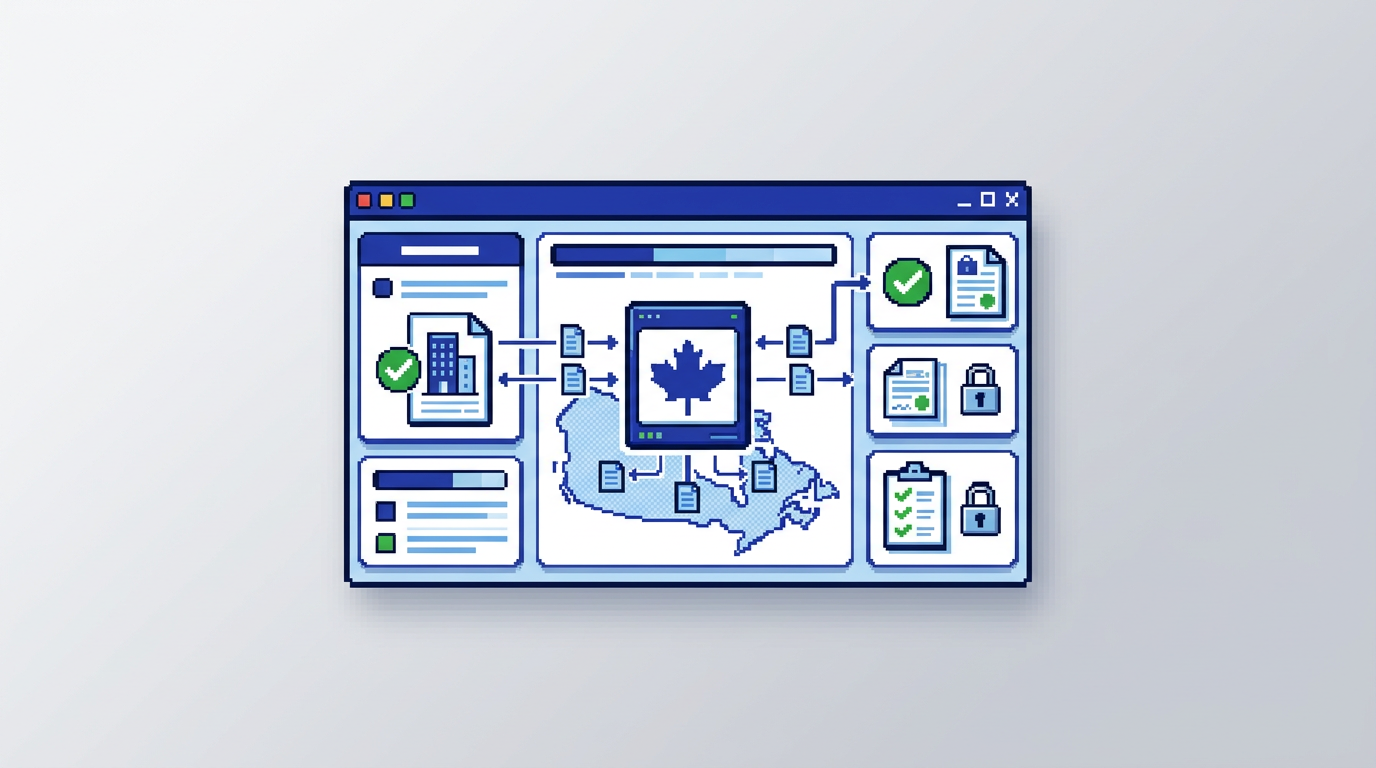
Municipal teams are moving permitting online, but questions about where data lives can stall progress. The fastest way to move forward is to treat data residency as a requirements track, not an afterthought.
This guide explains how to meet Canadian data residency permitting requirements in practical steps. It is for municipal planning, building, and IT leaders evaluating digital building permitting and AI permitting software. The key takeaway: define residency and security controls early, verify them contractually and technically, and choose platforms that prove Canada Central storage with clear auditability.
What Canadian data residency permitting means
Data residency for permitting is about where application data is stored and processed during intake, review, payments, inspections, and archival.
Core definition and scope
- Residency: Production storage and backups must remain in Canada, typically a defined region like Canada Central.
- Scope: Applicant info, plan sets, permits, comments, payments, inspection notes, and audit logs.
- Processing: Clarify if compute for AI or search also remains in Canada.
Why it matters for municipalities
- Compliance alignment with provincial and municipal procurement standards.
- Reduced cross border exposure for personal and sensitive building data.
- Clearer public trust and defensible procurement decisions.
Primary keyword in context: Canadian data residency permitting
Meeting Canadian data residency permitting is not only a storage checkbox. It ties to workflow integrity, role-based access, and audit trail design across the permitting lifecycle.
The role of architecture
- Confirm the cloud region and failover locations.
- Require encryption at rest and in transit with documented key management.
- Ensure logs and backups inherit the same residency settings.
The role of contracts and proofs
- Add residency clauses to the Master Services Agreement and Data Processing Addendum.
- Request an architecture diagram and a controls letter that lists regions and services.
- Ask for a residency attestation and the exact wording that appears in the vendor’s admin console.
Compliance checklist for municipal permitting software
Use this step by step checklist when shortlisting digital building permitting platforms.
Step 1: Define your residency policy
- State Canada only storage for production, logs, and backups.
- Require AI processing in Canada by default, with opt outs for cross border disabled.
- Map categories of data that must stay in region.
Step 2: Validate vendor claims
- Confirm region configuration shown in screenshots and admin settings.
- Ask for a recent penetration test summary and encryption details such as AES 256 at rest.
- Verify subprocessor list and regions in the DPA.
Step 3: Test with real workflows
- Upload PDFs, DWGs, and JPGs and confirm stored object locations.
- Run an AI zoning compliance test and verify that processing endpoints are Canada based.
- Trigger a payment and confirm where transaction records are stored.
Step 4: Document your decision
- Capture evidence in a procurement file with vendor attestations.
- Record tests, timestamps, and the admin screens you observed.
- Include a rollback plan if residency changes.
Security controls that support residency
Residency without strong security still leaves risk. Pair location controls with proven safeguards.
Encryption and key management
- Encryption at rest such as AES 256 with per tenant or per environment keys.
- TLS for all data in transit.
- Key rotation policy and custody documented by the vendor.
Access, audit, and notifications
- Role based permissions that restrict who can view, approve, or export data.
- Comprehensive audit trails logging status changes, document verification, and applicant notes.
- Real time email notifications for sensitive events like payments and inspections.
How AI permitting software can comply
AI can speed review while staying compliant with Canadian residency when designed correctly.
AI document and compliance analysis
- Extract zoning and by law compliance indicators from plan sets in region.
- Examples include setbacks, lot coverage, and height thresholds.
- Flag near limit values so reviewers can act without exporting data out of Canada.
Smart triage and auto approval
- Use rule based auto approval for low risk applications such as simple decks.
- Keep routing decisions and risk scoring inside the Canadian region.
- Log each decision in the audit trail for accountability.
Comparing residency approaches in permitting platforms
Before choosing a municipal permit management software, compare residency models and controls side by side.
Here is a concise comparison of common vendor approaches and what to verify.
| Model | Storage region | AI processing | Backups | Proof to request |
|---|---|---|---|---|
| Canada first | Canada Central only | In region | In region | Architecture diagram, admin region screen |
| Canada with global fallback | Canada primary, global failover | May burst globally | Mixed | Failover policy, regions for DR |
| Mixed services | App in Canada, analytics abroad | Abroad | Mixed | Subprocessor list, data flows map |
| Global default | Not fixed | Global | Global | Contractual change to Canada only required |
Payments, change requests, and residency
Payments and applicant communications often use third parties. Keep these in scope from the start.
Integrated permit payments
- Confirm payment provider’s data residency for receipts and transaction metadata.
- Ensure fee schedules, invoices, and payment events are stored in Canada.
- Require exportable reports without moving raw data abroad.
Managing change requests
- Store applicant change logs and document versions in Canada.
- Ensure email notifications do not embed sensitive data that leaves the region.
- Retain a timeline of requests and approvals for audit.
Building an RFP that enforces residency
Codify requirements so vendors self select based on capability.
Must have requirements
- Canada only storage and backups with no cross border transfers.
- AES 256 at rest and TLS 1.2 or higher in transit.
- Configurable roles, audit trails, and exportable activity logs.
Evaluation criteria
- Demonstrated AI zoning compliance and permit document analysis in Canada.
- Smart auto triage and auto approval with rule transparency.
| Criterion | Weight | What good looks like |
|---|---|---|
| Residency controls | 30% | Admin selectable Canada Central, backup policy, proofs |
| Security | 25% | Encryption details, pen test summary, key rotation |
| Workflow fit | 25% | Intake, routing, payments, change requests |
| AI capability | 15% | In region extraction and rule checks |
| Reporting | 5% | Audit exports, revenue reports |
Implementing a compliant rollout
A careful rollout proves residency at each stage and avoids surprises.
Pilot with a low risk permit type
- Start with decks, sheds, or minor alterations.
- Validate AI zoning checks for setbacks, lot coverage, and height warnings.
- Confirm auto approval rules and audit entries.
Scale to departmental workflows
- Assign zoning checks to planning while building handles inspections.
- Monitor notifications and status transitions for correct logging.
- Review revenue dashboards and receipt trails for residency adherence.
How PermiPro addresses Canadian data residency
PermiPro is designed for municipal teams that need speed, accountability, and Canadian residency.
Residency and security posture
- Data stored at rest in Canada Central with AES 256.
- Backups and audit logs remain in Canada.
- Real time notifications and role based permissions support controlled access.
Workflow and AI capabilities
- AI powered document analysis extracts setbacks, lot coverage, and height from PDFs, DWGs, and JPGs up to 50 MB.
- Smart auto triaging and rule based auto approval reduce manual reviews for low risk applications.
- Integrated payments and applicant change requests keep the lifecycle in one system with a complete activity timeline.
Frequently asked pitfalls to avoid
Common issues arise when residency is treated as an assumption instead of a contract item.
Hidden cross border services
- Analytics, email, or map tiles may run outside Canada if not specified.
- Require a subprocessor inventory and region map updated annually.
Residency drift over time
- Vendors sometimes add services or failovers that change data paths.
- Add a change notification clause and an annual re attestation.
Monitoring and proving ongoing compliance
Residency compliance is ongoing. Establish lightweight, repeatable checks.
Quarterly controls review
- Confirm region settings, backup locations, and subprocessor changes.
- Sample audit logs for completeness and export them to secure archives.
Incident and change management
- Define a process for reviewing any incident that risks cross border exposure.
- Require vendor notification timelines and remediation actions in writing.
Key Takeaways
- Choose municipal permit management software that proves Canada only storage and processing with clear documentation.
- Pair residency with encryption, role based access, and full audit trails.
- Validate AI zoning compliance and auto approval features operate in region.
- Bring payments and change requests into scope with the same residency rules.
- Make residency a contractual, testable requirement with ongoing reviews.
A focused approach lets municipalities adopt digital building permitting confidently while meeting Canadian data residency requirements.