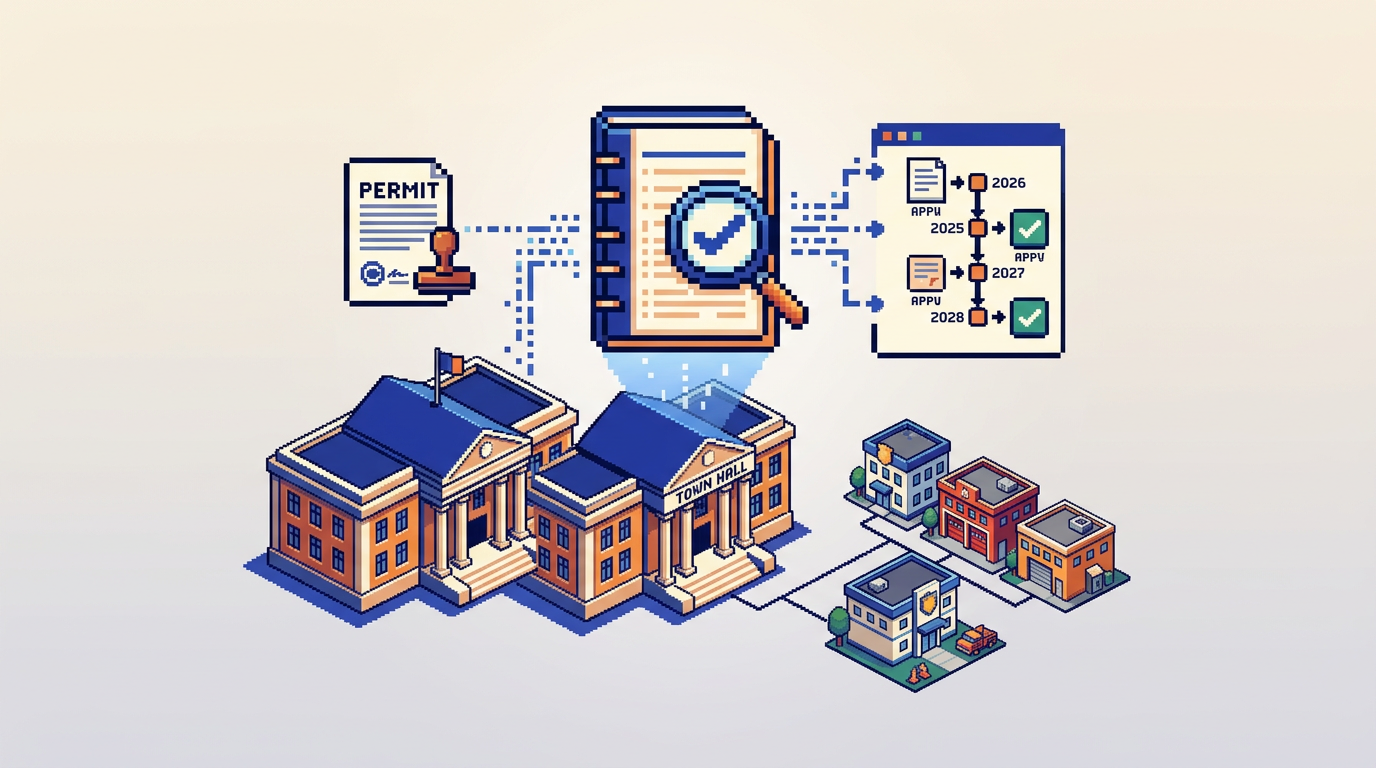
Modern permit work needs a clear, defensible record. Audit trail permitting software gives municipalities that record without adding manual steps.
This guide explains how small and mid sized municipalities can modernize digital building permitting with audit trail permitting software, AI zoning compliance checks, and auto approval permitting. It is for planners, building officials, and IT leads seeking faster reviews with full accountability. Key takeaway: you can deliver measurable speed and transparency without an IT overhaul or security trade offs.
Why Audit Trails Matter in Digital Building Permitting
Audit trails are the backbone of accountability in municipal permit management software. A reliable trail links every action to a person, a time, and a change.
Public trust and defensibility
- Transparent histories reduce disputes and FOI response effort.
- Time stamped entries show what changed, who changed it, and why.
- Consistent records support appeals and legal defensibility.
Operational clarity across departments
- Shared timelines align Planning, Building, and Fire on the current state.
- Automated logs replace fragile email chains and spreadsheets.
- Managers can spot bottlenecks with objective data.
Core Capabilities to Look For
Choosing audit trail permitting software is about coverage across intake, review, payment, and issuance.
End to end action logging
- Status changes, document uploads, comments, and approvals captured.
- System generated validations recorded alongside staff actions.
- Immutable history with user, role, timestamp, and event type.
AI powered document and compliance analysis
- Extracts setbacks, lot coverage, and height from PDFs and DWGs.
- Flags warnings, such as height near the by law limit.
- Reduces back and forth by catching issues at intake.
Rule based auto triage and auto approval
- Routes applications to the right department on submission.
- Applies fixed rules for low risk permits with clear thresholds.
- Preserves review notes and automated decisions in the audit trail.
Integrated payments and change management
- Applicants pay fees in platform with receipts tied to the file.
- Change requests tracked with versions and reviewer responses.
- Revenue, paid, and pending states visible in one dashboard.
A Practical Modernization Path Without an IT Overhaul
Small teams can modernize incrementally. Start with high impact, low risk steps.
Step 1: Digitize intake and establish the audit trail
- Move to online forms with required document checklists.
- Enable drag and drop uploads for PDF, DWG, and image files.
- Ensure every submission event lands in the timeline.
Step 2: Turn on AI document analysis at the front door
- Auto extract key zoning values from plan sets.
- Present pass warn fail signals at intake to cut resubmissions.
- Log each extracted value and rule check in the history.
Step 3: Configure routing and fixed rule auto approvals
- Define eligibility for decks, sheds, and minor alterations.
- Auto assign reviews to Planning or Building based on scope.
- Approve eligible low risk permits and record the decision trail.
Step 4: Integrate payments and applicant change requests
- Accept fees in platform and link receipts to the application.
- Let applicants submit revisions with version labels.
- Capture every payment, refund, and change in the audit log.
Safeguards for Rule Based Auto Approval
Auto approval permitting should be precise, explainable, and reversible when needed.
Eligibility boundaries you can explain
- Use clear thresholds for area, height, and setbacks.
- Require all documents before an auto decision runs.
- Publish criteria so applicants self qualify.
Oversight and exception handling
- Staff can pause or revoke automated decisions with rationale.
- Edge cases route to manual review by default.
- Every override is logged with user, time, and reason.
Security, Privacy, and Canadian Data Residency
Municipal data requires strong controls aligned to public sector expectations.
Encryption, access control, and notifications
- AES 256 encryption at rest and TLS in transit.
- Role based permissions limit who can view or approve.
- Real time emails keep staff and applicants aligned.
Canada Central data residency and audit alignment
- Keep all application data within Canada Central regions.
- Support for internal and external audit requirements.
- Comprehensive activity timelines for compliance reviews.
What Good Looks Like in Daily Use
Here is how effective audit trail permitting software behaves during routine tasks.
Intake and initial checks
- An applicant submits a deck permit with site plan and elevations.
- AI extracts setbacks, lot coverage, and proposed height.
- The system logs pass results for setbacks and coverage and flags a height warning near the limit, all time stamped.
Routing, review, and applicant revisions
- Auto triage assigns Zoning Check to Planning.
- The reviewer adds a note requesting a minor height adjustment.
- The applicant uploads a revised plan. The system confirms the change, rechecks values, and logs a pass.
Decision, payments, and issuance
- The permit meets the fixed rules for low risk auto approval.
- The system approves and records the rule set used and version.
- The applicant pays the fee. Receipt and issuance are logged.
Comparison: Traditional vs AI First Audit Trails
The table below contrasts common outcomes between manual systems and AI enabled digital building permitting with robust audit trails.
| Capability | Paper or Email Based | AI First Audit Trail Permitting |
|---|---|---|
| Intake completeness | Inconsistent, checklist drift | Required fields, AI extraction catches gaps |
| Routing accuracy | Manual judgment, delays | Auto triage by scope and rules |
| Low risk approvals | Weeks in queue | Minutes when rules pass |
| Accountability | Scattered emails | Single timeline with user and time |
| Payments | Off platform, reconciled later | In platform, receipted and auditable |
| Data residency | Varies by tool | Configured for Canada Central |
Metrics That Prove Modernization Worked
Leaders need clear before and after measures tied to resident service and compliance.
Efficiency and throughput
- Median time from submission to decision for low risk permits.
- Percentage of applications auto triaged without re routing.
- First touch resolution for zoning compliance issues.
Quality and accountability
- Share of files with complete document sets at first submission.
- Number of appeals or disputes per 100 permits issued.
- Audit nonconformities detected during internal reviews.
Implementation Checklist for Small Teams
Use this concise sequence to reduce risk while capturing quick wins.
Policy and configuration
- Define eligible permit types and rule thresholds.
- Map departments, roles, and approval authorities.
- Publish citizen facing guidance on criteria and timeline.
Technology and training
- Pilot with one permit type and a small staff cohort.
- Train reviewers on timelines, notes, and overrides.
- Review the audit log with the team after week one and tune.
Where PermiPro Fits
PermiPro is purpose built for municipalities that want speed and accountability in one place.
Capabilities aligned to municipal needs
- AI powered document analysis for setbacks, lot coverage, and height.
- Smart auto triage and rule based auto approval for low risk permits.
- Integrated payments, applicant change requests, and live status.
- Comprehensive audit trail with activity timeline and role based permissions.
- AES 256 at rest and Canada Central data residency.
Example outcomes municipalities report
- Faster reviews for standard decks, sheds, and minor alterations.
- Fewer resubmissions due to AI flagged issues at intake.
- Clearer accountability with a single source of truth timeline.
Evaluating Vendors: Fit by Use Case
Use this quick matrix to match common municipal needs to typical vendor strengths.
| Use Case | Legacy Suites | General Workflow Tools | AI Permitting Platforms |
|---|---|---|---|
| Complex enterprise scale | Strong | Moderate | Strong |
| Rapid low risk approvals | Moderate | Weak | Strong |
| Deep audit trail out of box | Strong | Weak | Strong |
| Canadian data residency | Varies | Rare | Common and explicit |
| Integrated payments | Strong | Weak | Strong |
Always validate claims with a live demo of the audit trail during routine tasks like document verification, rule checks, and change requests.
Key Takeaways
- Audit trail permitting software improves accountability and speeds reviews.
- AI zoning and by law checks cut resubmissions and surface issues early.
- Rule based auto approvals handle low risk permits safely and transparently.
- Integrated payments and change requests keep the record complete.
- Security and Canada Central residency protect municipal data.
Modernizing does not require a full overhaul. Start with intake, add AI checks, and turn on rules where your policy is clear to deliver faster, more accountable service.