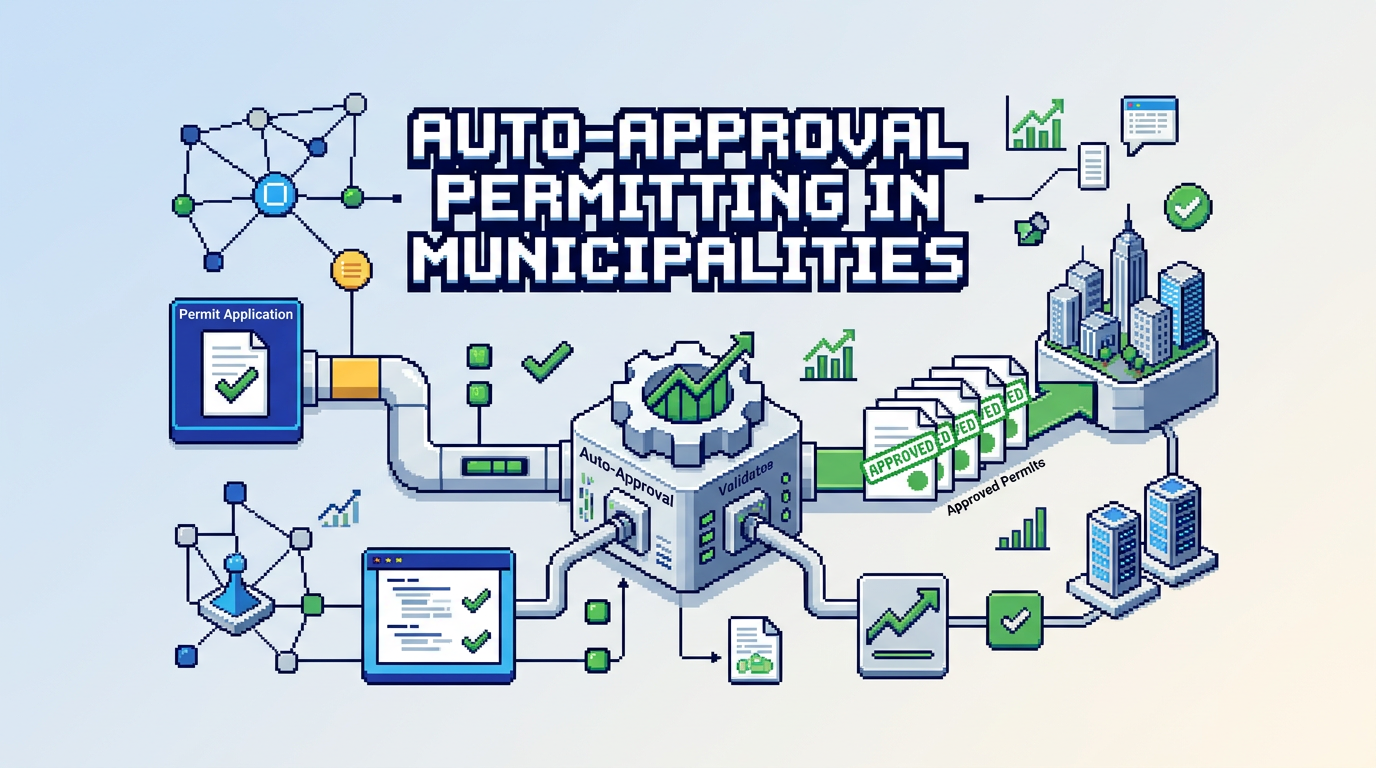
Modern permitting teams are under pressure to move faster without sacrificing compliance. Auto approval permitting offers a path to speed up low risk decisions while keeping controls in place.
This guide explains how to design, implement, and govern auto approval permitting for municipalities. It is for planning, building, and zoning leaders, as well as IT teams evaluating digital building permitting platforms. The key takeaway: start with clearly scoped permit types, codify rules transparently, and pair automation with audit trails and risk safeguards.
What is auto approval permitting and when to use it
Auto approval permitting uses predefined rules to approve eligible applications instantly after validation checks. It reduces manual touch for straightforward cases while routing complex files to reviewers.
Typical use cases
- Minor residential projects like sheds, fences, and simple decks that meet zoning setbacks and height limits.
- Trade permits such as electrical service upgrades or water heater replacements within code thresholds.
- Temporary signs or events with standardized conditions and short timelines.
When not to auto approve
- Projects with variances, heritage overlays, floodplain issues, or discretionary design review.
- Incomplete submittals or conflicting plan details.
- Any case that triggers a safety, environmental, or neighborhood impact concern.
Core components of an auto approval ruleset
A reliable program starts with unambiguous criteria expressed as machine readable rules. Your municipal permit management software should support these elements.
Permit type eligibility
- Define which permit types are in scope and which are excluded.
- Capture sub categories and thresholds such as area, height, or service capacity.
- Include location constraints to exclude special districts.
Document and data validation
- Require a minimum document set such as site plan, elevations, and insurance.
- Validate file formats and sizes for PDFs, DWGs, and images.
- Extract key fields like setbacks, lot coverage, and height for checks.
Zoning and by law checks
- Compare extracted measurements to current zoning tables.
- Enforce lot coverage, floor area, and height limits.
- Flag proximity based conditions such as corner lots or easements.
Fee calculation and payments
- Calculate fees from declared scope and standardized rates.
- Require successful payment authorization prior to approval issuance.
- Generate digital receipts and post to the audit record.
How AI permitting software strengthens rule accuracy
AI can accelerate intake and reduce errors by reading plan sets and normalizing data for rules to evaluate.
Document analysis and field extraction
- Parse PDFs, DWGs, and images to detect dimensions and labels.
- Map findings to structured fields such as Setback Front 6.2 m Pass or Lot Coverage 32 percent Pass.
- Surface edge warnings such as Height proposed 9.1 m vs 9.5 m max to prompt human review when close to a limit.
First pass completeness checks
- Detect missing sheets or outdated title blocks.
- Validate that required drawings correspond to the declared scope.
- Reduce back and forth by prompting applicants for specific fixes before submission.
Designing a defensible workflow for risk and safety
Automation should never bypass safety or accountability. Build controls into each step.
Risk tiers and routing
- Assign low, medium, or high risk based on rules and context.
- Auto approve only low risk files; route others to the right department automatically.
- Allow planners to override routing with a reason captured in the audit trail.
Human in the loop safeguards
- Require manual review on threshold proximity, exceptions, or flagged conditions.
- Pause automation if inputs are inconsistent across documents.
- Enable spot checks on a percentage of auto approved permits for quality assurance.
Step by step plan to implement auto approval permitting
Follow this project plan to launch with confidence and measurable outcomes.
Step 1: Choose the primary keyword and success scope
- For search and internal communication, focus on auto approval permitting.
- Select 2 to 5 permit types with clear, objective rules.
- Define target metrics such as median approval time and re submission rate.
Step 2: Codify rules from bylaws and SOPs
- Translate zoning tables and building code thresholds into if then statements.
- Define input sources for each field such as applicant form or AI extracted value.
- Document test cases with example plan dimensions and expected outcomes.
Step 3: Configure your digital building permitting platform
- Create permit type templates, required documents, and forms.
- Configure auto triage rules to send eligible files to auto approval.
- Set payment steps and receipt generation prior to permit issuance.
Step 4: Pilot with real applications
- Run in shadow mode first to compare automated decisions to human results.
- Track mismatches and tune rules based on findings.
- Communicate pilot scope to applicants and staff to set expectations.
Step 5: Launch with monitoring and continuous improvement
- Enable real time dashboards for volume, auto approval rate, and exceptions.
- Review flagged cases weekly to refine criteria.
- Publish change logs when rules are updated for transparency.
Data, security, and accountability requirements
Municipal data demands strong protections and clear histories of who did what, when.
Security and residency
- Encrypt data at rest with modern standards such as AES 256.
- Keep data in the required jurisdiction such as Canada Central when applicable.
- Use role based permissions and SSO to control access.
Audit trails and notifications
- Record every status change, document verification, and payment event.
- Capture reasons for overrides and rule hits in plain language.
- Send email notifications for submissions, changes, approvals, and inspections.
Example rules and decision outcomes
Below are illustrative examples of how specific checks can drive automated decisions.
Zoning checks for a simple deck permit
- Setback Front must be at least 6 m. If extracted value is 6.2 m then Pass.
- Lot coverage must be under 35 percent. If extracted value is 32 percent then Pass.
- Height must be under 9.5 m. If extracted value is 9.1 m then Pass with edge warning if within 5 percent of limit.
Auto approval result logic
- If all mandatory checks pass and fees are paid then issue permit immediately.
- If any warning is triggered near a limit route to Planning for review.
- If any fail occurs return to applicant with requested changes.
Comparing platform capabilities for auto approval
If you are evaluating municipal permit management software, compare features that matter for automation and oversight.
Here is a concise comparison of key capability areas to review during procurement.
| Capability | AI document analysis | Rule based auto approval | Payments integration | Audit trail | Data residency |
|---|---|---|---|---|---|
| Intake and validation | Extract measurements from PDFs and DWGs | Approve low risk permits instantly | In platform fee calculation and receipts | Full activity timeline with reasons | Host data in required region |
| Benefit | Fewer resubmissions | Faster cycle time | Single source of truth for finance | Accountability across teams | Compliance alignment |
Practical tips to avoid common pitfalls
Small process choices can prevent big headaches later.
Keep rules readable
- Write every rule in plain language alongside the system expression.
- Version rules with timestamps so staff knows what applied when.
- Add examples for each rule using real world plan snippets.
Design for applicant clarity
- Show which checks passed or failed with short explanations.
- Provide a change request path instead of forcing a brand new application.
- Offer guidance on acceptable file types and maximum sizes.
How PermiPro supports auto approval permitting
PermiPro is built for municipalities that want speed with accountability. The platform combines AI document analysis, configurable rules, and secure operations.
Intake and AI checks
- Drag and drop uploads for PDF, DWG, and JPG files up to 50 MB.
- AI extracts zoning fields like setbacks, lot coverage, and height.
- Completeness checks highlight missing or inconsistent documents.
Automation, payments, and oversight
- Smart auto triage routes files to Planning, Building, or Fire based on scope.
- Rule based auto approval can issue permits for low risk applications.
- Integrated payments post receipts, and a full audit trail records actions and notes.
Measuring impact after launch
Demonstrate value to leadership and the public with clear metrics and stories.
Outcome metrics to track
- Median days to approval for eligible permit types.
- Percentage of applications auto approved versus routed for review.
- Resubmission rate and common reasons for returns.
Qualitative feedback loops
- Staff insights on rule clarity and exception handling.
- Applicant satisfaction from fewer trips and faster outcomes.
- Inspector notes on alignment between approved plans and site conditions.
Governance and change management
Rules evolve as bylaws update and patterns emerge. Manage change deliberately.
Cross functional ownership
- Establish a governance group with Planning, Building, IT, and Legal.
- Require sign off before publishing rules to production.
- Schedule quarterly reviews of performance and equity impacts.
Transparent updates
- Publish a change log with rationale and effective dates.
- Notify applicants when criteria change for specific permit types.
- Archive prior rule versions for retrospective reviews.
Training and rollout best practices
Prepare staff and applicants to work confidently in the new workflow.
Staff enablement
- Run scenario based training with real applications and edge cases.
- Provide quick reference sheets for overrides and escalation paths.
- Set response time targets for exceptions to keep momentum.
Applicant communications
- Update your website with eligibility criteria and a simple checklist.
- Share sample approvals and timelines for common permit types.
- Offer office hours or webinars during the first 60 days after launch.
Key Takeaways
- Start with clear, objective permit types and machine readable rules.
- Pair automation with audit trails, risk tiers, and human in the loop checks.
- Use AI to extract plan data and validate completeness before approval.
- Integrate payments and notifications to keep a single source of truth.
- Monitor metrics and govern rule changes transparently.
Auto approval permitting can deliver faster service and stronger accountability when built on clear rules, secure systems, and continuous improvement.