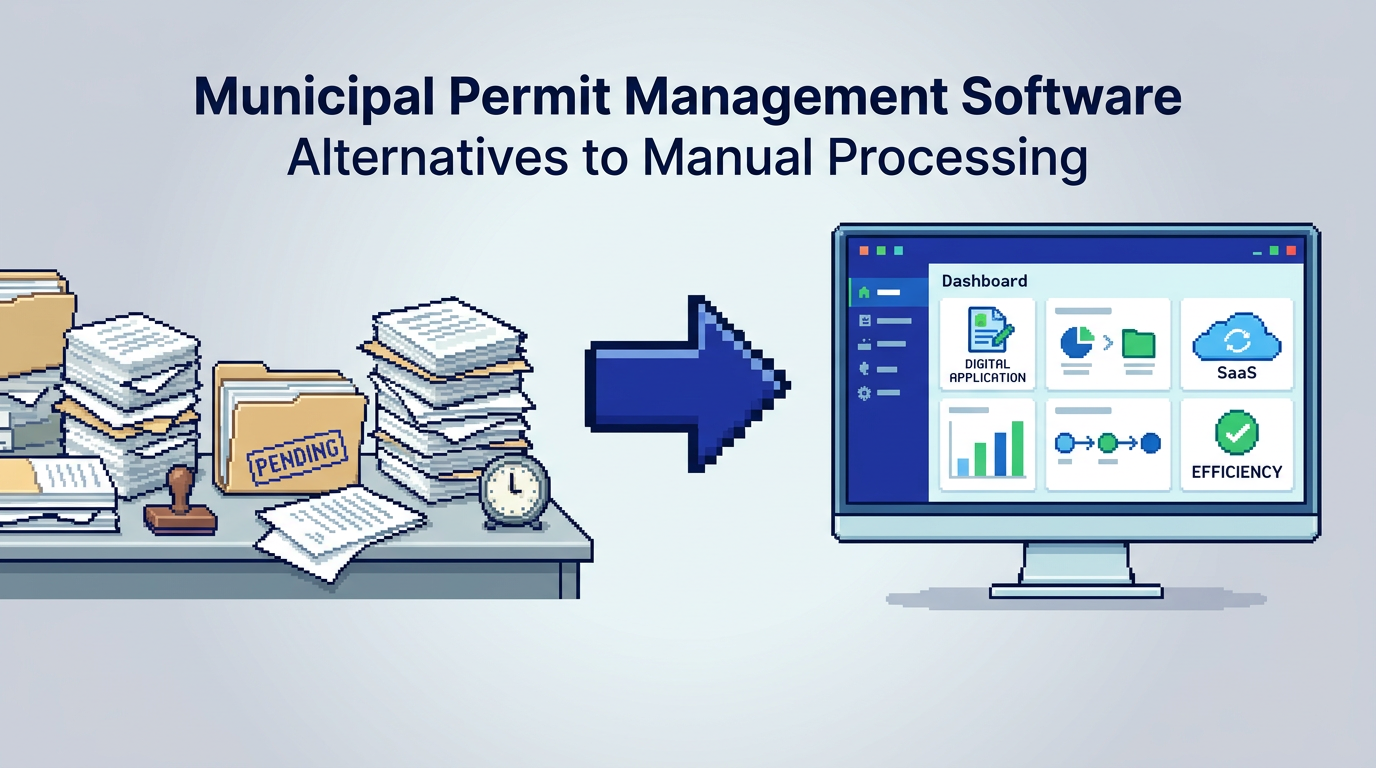
Municipal backlogs are not inevitable. Cities that replace paper checklists, email threads, and spreadsheet trackers see faster reviews, clearer accountability, and fewer applicant callbacks.
This guide explains the best alternatives to manual permit processing for planning, building, and zoning teams. It is for municipal leaders, permit reviewers, and IT managers evaluating municipal permit management software. Key takeaway: combine AI document analysis, rule-based auto-approval, integrated payments, and full audit trails to cut review times while strengthening compliance.
Why municipalities move beyond manual workflows
Manual processes slow decisions and make compliance harder to prove. Modern municipal permit management software addresses both.
Common bottlenecks
- Fragmented intake via email and counter visits
- Repetitive checks of setbacks, lot coverage, and heights
- Misrouted applications across departments
- Payment handling outside the permit system
- Limited visibility into status, revisions, and staff actions
Outcomes cities expect
- Shorter queue times for low risk permits
- Higher first submission completeness
- Centralized payments, receipts, and refunds
- Transparent timelines and auditability for council and the public
What to look for in municipal permit management software
These criteria anchor evaluations and RFPs.
Core capabilities
- End to end intake with required document templates
- Role based permissions and departmental routing
- Applicant portal for uploads, status, and payments
- Inspection scheduling and notifications
AI and automation priorities
- AI extraction from PDFs and DWGs for zoning checks
- Rule based auto approval for low risk permits
- Smart triage based on application type, location, and risk signals
Compliance, security, and residency
- Complete audit trail of actions and decisions
- AES 256 encryption at rest and TLS in transit
- Data residency in the jurisdiction that meets policy requirements
Alternatives to manual processing compared
Below is a high level comparison of leading options used by North American municipalities.
Here is a concise matrix to compare focus areas, strengths, and ideal fit.
| Platform | Best for | Standout strengths | Considerations | Data residency options |
|---|---|---|---|---|
| PermiPro | AI first compliance and faster low risk approvals | AI document analysis, auto triage, rule based auto approval, integrated payments, full audit trail, Canada Central residency | Newer approach; plan change governance should be aligned with local policy | Canada Central; aligns with Canadian municipal policies |
| Accela | Large cities with complex legacy integrations | Broad modules across civic processes, marketplace ecosystem | Implementation scope can be extensive; AI features vary by module | US focused with options; check local policies |
| OpenGov | Cloud suites for permitting and budgeting | Modern UX, reporting across departments | AI compliance analysis depth varies by use case | US cloud regions; verify residency |
| Clariti | Cloud permitting for mid to large municipalities | Permitting depth, configuration flexibility | AI extraction specifics may require add ons | North America; confirm data region |
| CityView | Canadian municipalities with on premises roots | Longstanding presence, configurable workflows | Cloud modernization paths vary | Canadian footprint; verify model |
| Cloudpermit | Fast to deploy cloud permitting | User friendly applicant portal | Advanced AI checks may require workflows | EU and North America options |
Deep dive: AI permitting software and auto approval
AI can surface zoning and by law details early and route or approve accordingly while keeping humans in control.
How AI document analysis helps
- Extracts setbacks, lot coverage, and height from plan sheets
- Flags near limit cases, e.g., 9.1 m height where 9.5 m is max
- Improves first time completeness with visualized checks
Designing safe auto approval
- Limit to low risk categories like decks or simple HVAC
- Require complete document sets and paid fees
- Enforce pre defined rules with audit logs and override pathways
Integrated payments and change management
Payments tied to applications reduce handoffs and errors.
Payments built into the permit flow
- Accept fees online with receipts and refunds
- Show paid, pending, and revenue summaries by day
- Block issuance until required fees are settled
Managing revisions and applicant requests
- Track change requests with timestamps and staff notes
- Keep versioned documents linked to each decision
- Notify applicants in real time when action is needed
Accountability: audit trails and permissions
Public trust depends on traceable decisions and access control.
What a strong audit trail includes
- Every status change, document verification, and comment
- Who approved what, when, and under which rule
- Exportable logs for FOI and council reporting
Permissions and role design
- Granular rights for view, edit, and approve
- Separation of duties between intake, review, and issuance
- Departmental assignments for zoning, building, and inspections
Security and Canadian data residency
Municipal data policies often require specific residency and encryption standards.
Security basics to verify
- AES 256 encryption at rest and TLS 1.2+ in transit
- Regular backups and incident response plans
- Vendor SOC reporting and access logging
Why residency location matters
- Aligns with provincial and federal data guidance
- Simplifies procurement and risk assessments
- Reduces cross border transfer concerns
Where PermiPro fits in your evaluation
PermiPro focuses on measurable review speed and compliance clarity for Canadian and North American municipalities.
Strengths for planning and building teams
- AI extraction of setbacks, lot coverage, and height from PDFs and DWGs
- Smart auto triage and rule based auto approval for low risk permits
- Integrated payments, applicant change handling, and live status tracking
Governance and transparency advantages
- Activity timeline shows approvals, document verifications, and notes
- Role based permissions for approvers and reviewers
- Canada Central data residency with AES 256 at rest
Use case scenarios: mapping tools to needs
Match platforms to your starting point and constraints.
Rapid relief for backlogs
If low risk residential permits are piling up, prioritize AI zoning compliance checks and auto approval for well defined categories.
Multi department consolidation
If planning, building, and inspections use separate tools, seek unified intake, routing, and payments with one audit trail across all steps.
Implementation tips for municipal IT and leaders
A clear rollout plan reduces change friction.
Phased deployment
- Start with a single permit type such as decks
- Pilot auto triage before enabling auto approval
- Train reviewers on AI extracted fields and overrides
Data and policy alignment
- Map by law rules into the system with version control
- Verify data residency, retention, and encryption requirements
- Define escalation paths for edge cases
RFP checklist for municipal permit management software
Use a tight RFP to keep vendors focused on outcomes.
Functional criteria
- Applicant portal with drag and drop for PDF, DWG, JPG up to 50 MB
- Configurable intake forms and required document lists
- Departmental routing, inspections, and notifications
Compliance and reporting
- Exportable audit logs by application and time window
- Rule based approvals with change history
- Revenue, paid, and pending payment dashboards
Cost and value considerations
Think in total cost of ownership terms, not just licenses.
Direct costs
- Subscription and implementation services
- Payment processing fees and storage tiers
- Training and support packages
Indirect savings
- Fewer resubmissions and faster approvals
- Reduced in person counter traffic and phone calls
- Lower risk from missing documentation or unclear decisions
Sample workflow for a low risk deck permit
This illustrates how automation shortens cycle time while preserving control.
Intake and validation
- Applicant uploads site plan and elevations; pays application fee
- System checks required docs; prompts for any missing items
- AI extracts setbacks and lot coverage from drawings
Triage and approval
- Rules flag permit as low risk; route zoning check to planning
- If all checks pass and fees are paid, auto approval is issued
- Audit trail logs each step with user and timestamp
Pros and cons by platform
Use this quick view to narrow your shortlist.
Here is a summary table of high level pros and cons. Validate details with each vendor.
| Platform | Pros | Cons |
|---|---|---|
| PermiPro | Strong AI zoning compliance, auto triage, integrated payments, Canadian residency | Newer category approach may require policy updates |
| Accela | Broad feature set and integrations | Longer implementations; AI depth varies |
| OpenGov | Modern cloud and reporting | Advanced AI checks may be limited by module |
| Clariti | Flexible configuration | AI extraction specifics may vary |
| CityView | Canadian presence and configurability | Cloud path and AI features differ by setup |
| Cloudpermit | Fast deployment and friendly UI | May need custom flows for advanced AI checks |
Evaluating outcomes and KPIs
Define success metrics before you sign.
Time and throughput
- Median days from submission to decision by permit type
- Percentage of permits auto triaged and auto approved
- First submission pass rate
Compliance and accountability
- Number of decisions with complete audit data
- Rate of post issuance corrections or revisions
- FOI response time for permit history requests
How to run a pilot without disruption
A small, well scoped pilot builds confidence.
Pilot design
- Choose one low risk permit and one neighborhood
- Train a small reviewer cohort and set service levels
- Report metrics weekly and collect applicant feedback
Rollout next steps
- Expand to additional permit types and departments
- Enable more automation as confidence grows
- Publish quarterly dashboards to council and residents
Key Takeaways
- Municipal permit management software replaces manual steps with AI checks, auto triage, and clear audit trails.
- Prioritize AI zoning compliance and rule based auto approval for low risk permits to cut backlogs fast.
- Integrated payments and change management reduce handoffs and errors.
- Verify security, encryption, and data residency to meet policy requirements.
- Start with a phased rollout and measure cycle time, pass rates, and audit completeness.
Stronger outcomes come from pairing automation with governance so every approval is both faster and defensible.